Google Business Profile Optimization for Small Business

Google Business Profile optimization for small business should start with the signals that affect calls and trust: category, services, hours, phone number, booking link, reviews, photos, and whether someone actually responds when the profile generates a lead. A complete profile can help customers find the business on Google Search and Maps, but the money is made after the click or tap.
A Google Business Profile is not just a listing. For many local companies, it is the front door to phone calls, directions, reviews, and booked jobs.
Start with the fields that change buyer behavior
Small businesses often treat optimization as a one-time cleanup project. That is too shallow. The profile should tell a nearby customer what the business does, where it works, when it is available, how to contact it, and why it can be trusted.
The first pass should confirm the primary category, service categories, service areas, hours, phone number, website URL, appointment URL, products or services, photos, and business description. If any of those are wrong, the business can lose calls before a customer ever reaches the website.
Reviews and photos are conversion signals
Reviews help customers decide whether to call. Photos help them believe the business is real. A profile with stale photos, unanswered reviews, and generic service descriptions looks less trustworthy than a competitor that shows recent work and active responses.
The practical workflow is simple: ask happy customers for reviews at the right moment, reply to reviews consistently, add useful photos, and route negative feedback to a human before it becomes a public reputation problem.
Do not optimize yourself into a suspension risk
Changing everything at once can create review or verification problems. Avoid keyword stuffing the business name, swapping categories without reason, adding unsupported service areas, or making edits that do not match the real business.
A safer approach is to prioritize fixes by risk and revenue impact: broken phone number first, wrong hours next, then category, services, booking link, photos, and review workflow.
Connect the profile to lead response
A profile that generates calls still leaks revenue if staff miss the phone, send callers to voicemail, or forget to follow up. That is why Google Business Profile optimization belongs next to AI receptionist, missed-call recovery, and CRM follow-up.
AIEmployees can answer or text back leads from Google Business Profile traffic, collect what the customer needs, confirm service area, book the next step, and log the source for reporting.
What to measure after the cleanup
Track calls, direction requests, website clicks, booking link clicks, review volume, average rating, photo freshness, and how many profile-driven leads become real appointments.
The most useful metric is not whether the profile looks complete. It is whether more local buyers reach the business and get a fast path to the next step.
Implementation checklist
- Confirm primary category and service categories match the real business.
- Check hours, holiday hours, phone number, website URL, and booking link.
- Update services, service areas, description, photos, and products where relevant.
- Create a review request and review response workflow.
- Connect calls and missed calls to AI text-back, CRM logging, and human handoff.
- Track calls, bookings, and source quality after each major change.
For a productized version of this audit and action list, review the local visibility workflow on the SEOG product page.
FAQ
What should I optimize first on Google Business Profile?
Start with the fields that can immediately affect calls: primary category, phone number, hours, website link, booking link, services, reviews, and photos.
Can AI help manage Google Business Profile leads?
Yes. AI can answer calls, send missed-call texts, qualify intent, collect location or service details, log the lead, and route the next step to a human.
Should I change my GBP category to get more calls?
Only change categories when they accurately match the business. Random category changes can confuse customers and create unnecessary review risk.
Want this workflow built for your business?
AIEmployees can map the calls, intake, routing, follow-up, and reporting around your real tools and team.
Fill Out the Form →Related notes.
Why Am I Not Getting Calls from Google Business Profile?
Diagnose visibility, listing trust, website fit, tracking gaps, and missed-call leakage before spending more on ads.
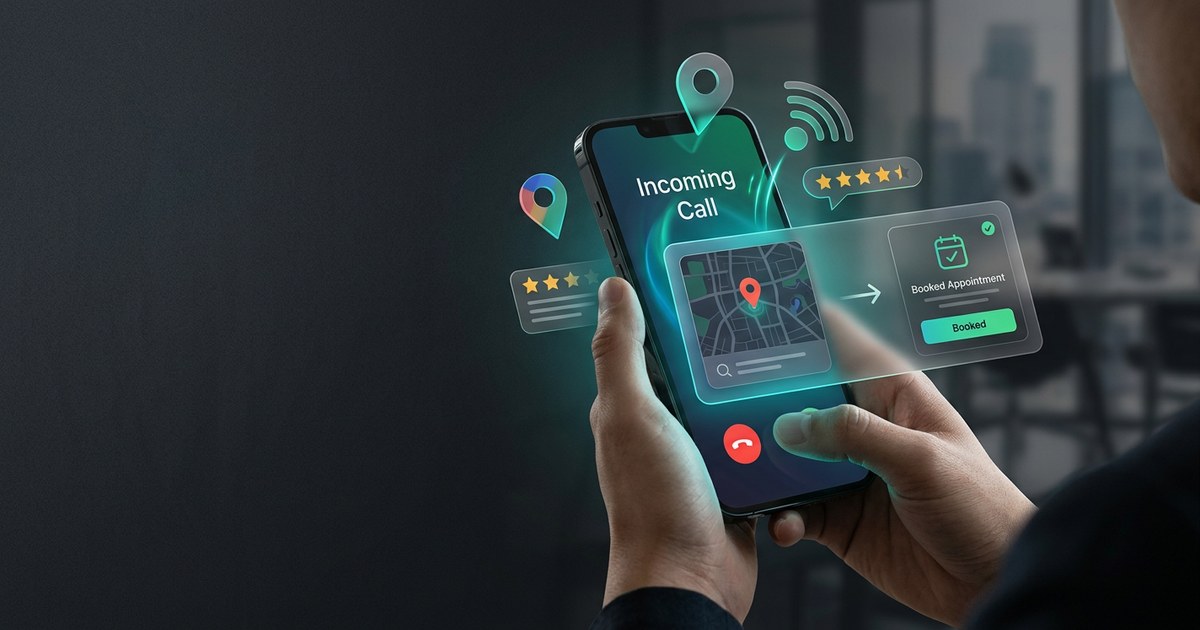
How to Get More Calls from Google Business Profile
Why Google Business Profile calls rise or drop, and what small businesses should fix before spending more on ads.

Google Maps Leads for Small Business: Stop Losing Local Buyers
A practical workflow for turning Google Maps discovery into answered calls, qualified leads, and booked appointments.