Google Maps Leads for Small Business: Stop Losing Local Buyers

Google Maps leads are different from broad website traffic. The buyer is nearby, comparing options, and often ready to call. Small businesses lose those leads when the profile is incomplete, the phone is unanswered, the website does not support the service, or the follow-up is too slow.
A Google Maps lead is often a customer with intent already built in. The weak point is usually response, not interest.
Map traffic turns into several lead types
Some customers call. Some ask for directions. Some click the website. Some read reviews and come back later. Some save the business for comparison. Treating all of that as generic traffic misses the point.
The lead workflow should cover phone calls, missed calls, forms, booking links, messages, reviews, and CRM source tracking. Otherwise the owner cannot tell which map activity actually produced revenue.
The call button is the fastest conversion path
For local services, the call button is often the highest-intent action. A homeowner with a leak, a patient looking for an appointment, or a driver needing repair may call several businesses in a short window.
If the call is missed, an instant text-back can keep the buyer engaged. Waiting until the next morning is usually too late.
Directions and website clicks still need follow-up
Not every map lead calls first. Some visit the site to check services, prices, areas served, photos, or proof. If the website is vague or the form response is slow, the profile did its job but the business still loses the buyer.
Use landing pages that match the services and locations shown on the Google Business Profile, then connect forms to AI lead follow-up.
CRM source tracking prevents guesswork
Owners often know calls are coming in but do not know which ones came from Google Maps, ads, referrals, repeat customers, or the website.
A clean workflow should tag source when possible, summarize the conversation, and show whether the lead booked, needed follow-up, or was not a fit.
Where AIEmployees fits
AIEmployees can support Google Maps leads with AI receptionist coverage, missed-call text-back, qualification, scheduling, review routing, and CRM notes.
The result is not more dashboard watching. It is a practical operating layer for the local leads the business is already earning.
Implementation checklist
- Audit Google Maps actions: calls, website clicks, directions, messages, and booking links.
- Confirm the profile, website, and service pages tell the same story.
- Protect the phone path with AI answering and missed-call text-back.
- Create a fast follow-up path for forms and booking requests.
- Tag Google Maps or GBP source where possible in the CRM.
- Review weekly which map leads booked and which leaked.
For businesses that need a cleaner local visibility checklist before improving response workflows, see the SEOG product page.
FAQ
What counts as a Google Maps lead?
Calls, website clicks, direction requests, booking actions, messages, and review-driven inquiries can all be Google Maps leads.
Are Google Maps leads high intent?
Usually yes. The customer is often nearby, comparing local options, and looking for a next step quickly.
How can AI help with Google Maps leads?
AI can answer calls, text missed callers, qualify intent, book appointments, update CRM records, and route urgent or sensitive cases to humans.
Want this workflow built for your business?
AIEmployees can map the calls, intake, routing, follow-up, and reporting around your real tools and team.
Fill Out the Form →Related notes.
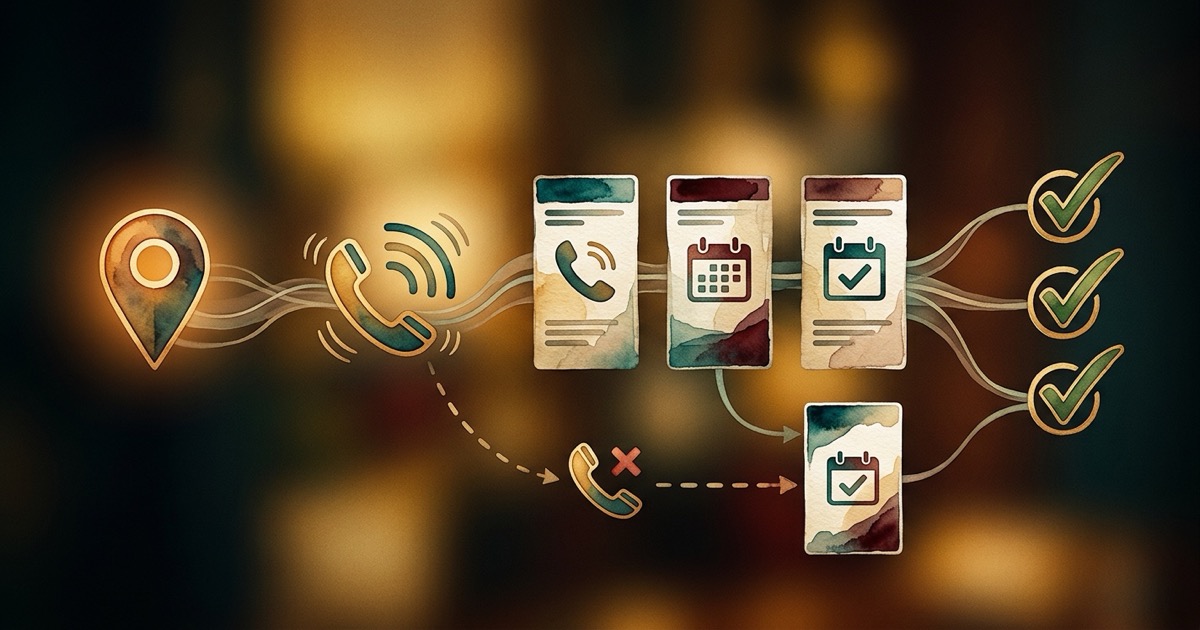
How to Track Calls from Google Business Profile
Track Google Business Profile calls from first ring to booked outcome with source tagging, CRM notes, and missed-call recovery.
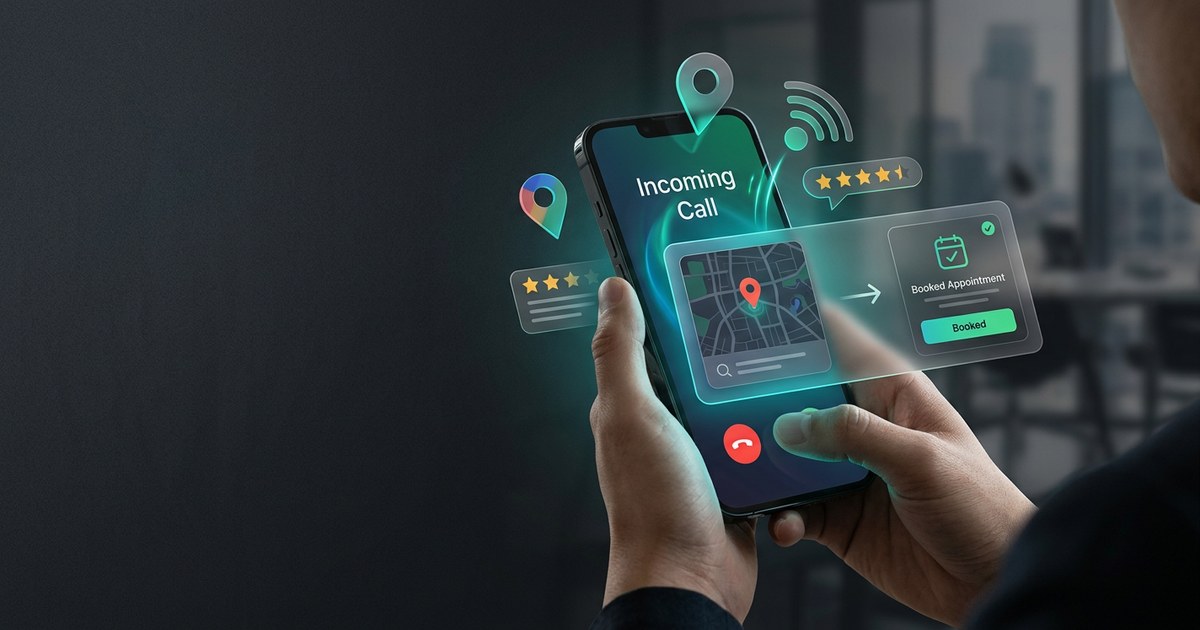
How to Get More Calls from Google Business Profile
Why Google Business Profile calls rise or drop, and what small businesses should fix before spending more on ads.

Local SEO Automation for Small Business
What local SEO tasks can be automated safely, what needs human review, and how to connect visibility to revenue.