Google Business Profile Videos for Small Business

Google Business Profile videos help small businesses show proof before a buyer calls. The best videos are short, specific, and practical: what the business does, who the customer will meet, what the process looks like, what results look like, and why the business can be trusted locally.
For local buyers, a useful short video can answer the question a photo cannot: can I trust these people to do the work?
Use videos that answer buyer questions
A local business does not need cinematic brand films for every profile update. It needs useful proof. Show the service, explain the process, answer common questions, introduce the team, and make the next step feel safe.
The same video can support Google Business Profile, local landing pages, paid ads, SMS follow-up, and email sequences.
Start with five video types
The strongest starting set is simple: owner introduction, service walkthrough, before-and-after proof, customer testimonial, and FAQ answer.
Each clip should focus on one decision. For example: what happens after I call, how pricing works, what area you serve, how long the appointment takes, or what makes your company different.
Keep the profile fresh without looking random
Posting random videos creates noise. A better system maps videos to services, seasons, offers, reviews, and common objections.
For home services, show field work and trust proof. For med spas or clinics, show process and expectations. For professional services, explain the intake path and what happens next.
Connect videos to follow-up
Video becomes more valuable when it appears after a lead takes action. A missed caller can receive a short proof clip. A quote lead can receive a testimonial. A new consultation request can receive a process explainer.
This is where AIEmployees and Vidvibe fit together: create the video library, then let AI workflows send the right asset at the right moment.
Measure calls, not views alone
A video can have low views and still help conversion if the right local buyer watches it before calling or booking.
Track which videos support calls, forms, quote follow-up, and booked appointments instead of only chasing social metrics.
Implementation checklist
- Create short videos for services, team, process, proof, testimonials, and FAQs.
- Reuse videos on GBP, local landing pages, ads, SMS, and email follow-up.
- Match each video to one buyer question or objection.
- Avoid fake-looking creative, unreadable overlays, and generic stock scenes.
- Send relevant videos automatically after missed calls, forms, and quote requests.
- Measure booked calls and conversion support, not only views.
To decide which profile gaps, review signals, local pages, and proof assets should come first, use the SEOG overview on the SEOG product page.
For the production side of short proof videos, reusable testimonial clips, and service explainers, review the workflow on the VidVibe product page.
FAQ
What videos should I add to Google Business Profile?
Start with short service explainers, owner or team introductions, before-and-after proof, testimonials, and FAQ answers.
Can Google Business Profile videos help get more calls?
They can help by building trust before the call. The impact is strongest when videos support a complete profile, reviews, service pages, and fast follow-up.
How does AIEmployees use video in follow-up?
AIEmployees can connect Vidvibe-style video assets to SMS, email, missed-call recovery, lead follow-up, and landing-page workflows.
Want this workflow built for your business?
AIEmployees can map the calls, intake, routing, follow-up, and reporting around your real tools and team.
Fill Out the Form →Related notes.
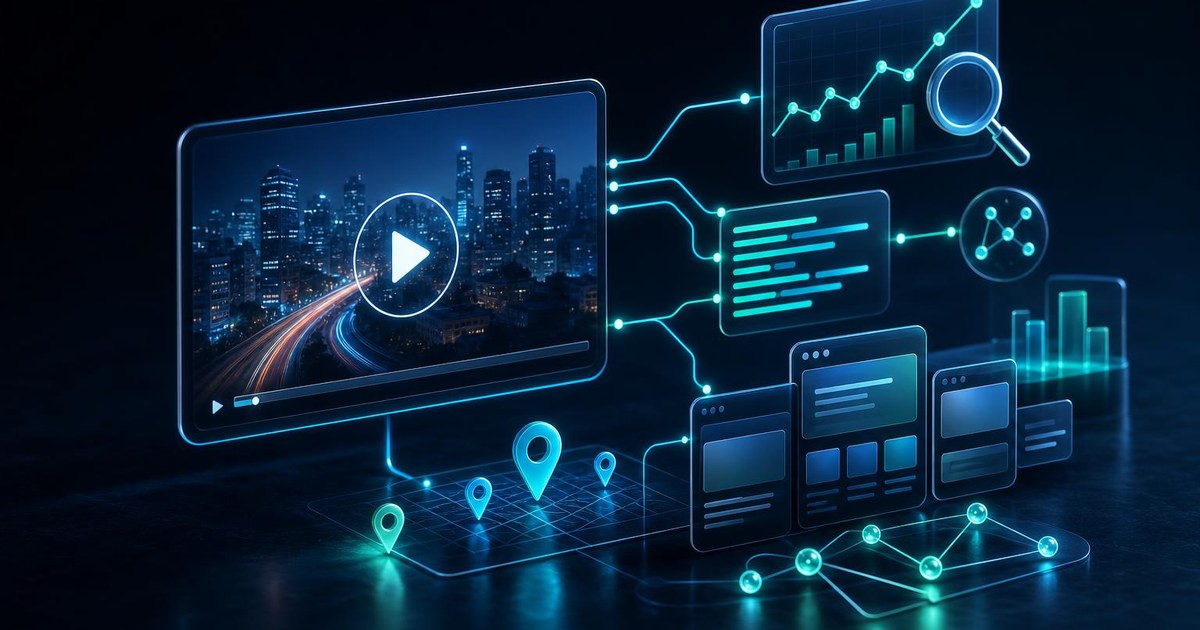
Video SEO for Small Business: Make Every Video Easier to Find
Video SEO needs titles, transcripts, landing pages, schema, internal links, and follow-up paths that turn views into leads.
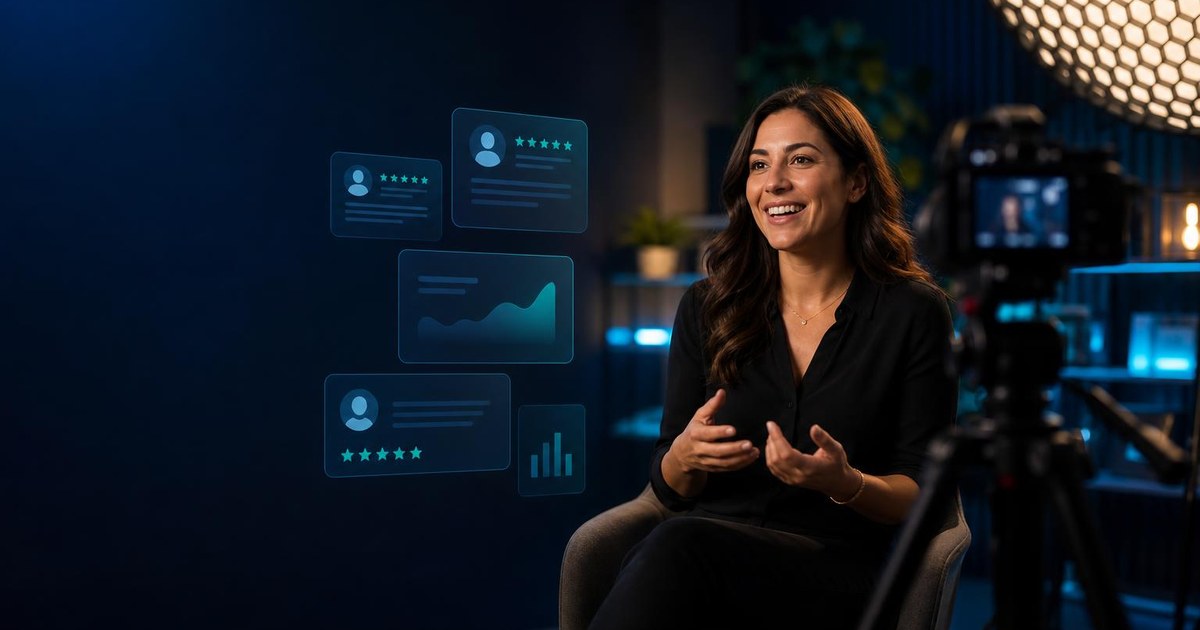
Customer Testimonial Videos: How Small Businesses Build Trust at Scale
A practical guide to collecting, editing, and using customer testimonial videos across landing pages, ads, email, SMS, and sales follow-up.
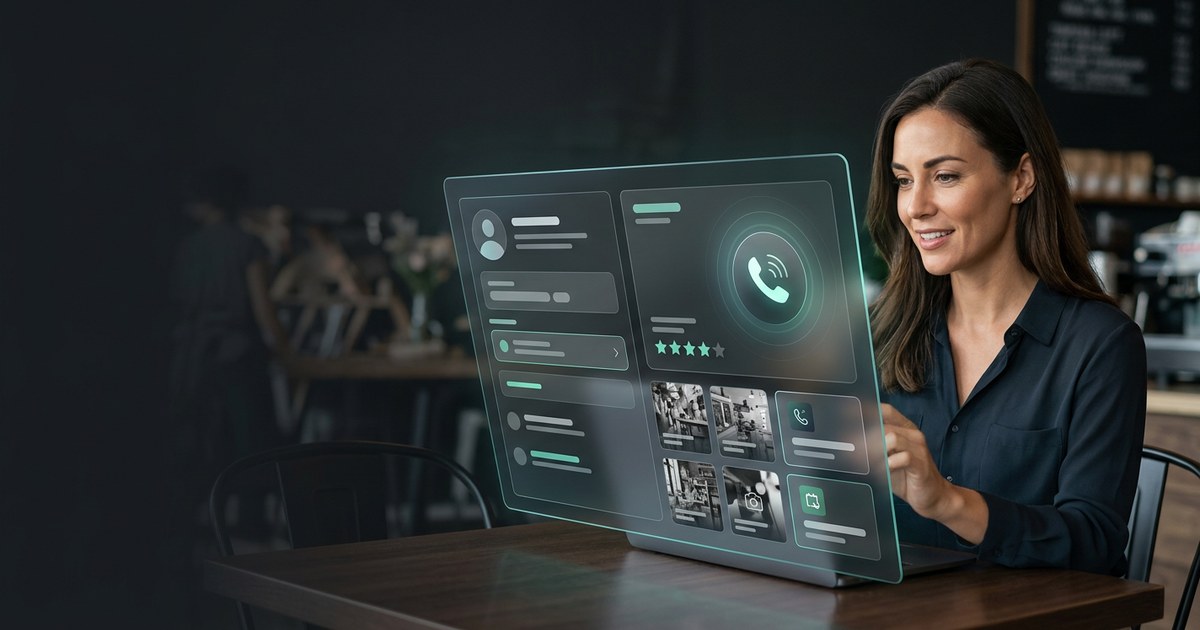
Google Business Profile Optimization for Small Business
A practical buyer guide to optimizing Google Business Profile for more calls, reviews, bookings, and cleaner follow-up.