AI Video Production Workflow: How Small Teams Ship More Content

Small teams do not fail at video because they lack ideas. They fail because the workflow is too heavy. Someone has to decide what to say, schedule a shoot, capture footage, edit clips, write captions, post everywhere, and then measure what worked.
AI can remove a lot of that drag. But the most useful AI video workflow is not a collection of random tools. It is a repeatable production operating system. That is the lane Vidvibe should own: helping businesses move from occasional video projects to a reliable content engine.
For the internal AIEmployees product page that describes that content engine, visit the VidVibe product page.
Step 1: Turn business questions into video briefs
Start with questions customers already ask: how much does it cost, how long does it take, what happens first, what should I avoid, what makes you different, and why should I trust you?
AI Employees can help capture those patterns from inbound calls, missed-call texts, form submissions, and FAQs. Then Vidvibe can turn them into short production briefs with a hook, talking points, shot list, and CTA.
Step 2: Batch filming instead of chasing content daily
Most small businesses should not film every day. They should batch. One 90-minute filming session can produce a month of short-form clips if the prompts are prepared in advance.
- Record founder answers to the top 10 buyer questions
- Capture service/process footage while work is already happening
- Film customer proof when the customer experience is fresh
- Shoot simple vertical clips first, then repurpose for other formats
Step 3: Use AI for the repetitive editing work
AI is especially useful for first cuts, captions, transcript cleanup, clip selection, title variations, and resizing. That means the human editor or strategist can focus on the parts that matter: clarity, pacing, proof, and brand fit.
Vidvibe can become the layer that keeps this workflow organized. Instead of every clip being a one-off task, each video can move through a simple pipeline: brief, capture, edit, approve, publish, repurpose.
Step 4: Repurpose every strong video into multiple assets
A single good video should not live in one place. It can become a short-form post, landing page section, email insert, SMS follow-up link, retargeting ad, YouTube Short, and sales enablement asset.
This is where small teams get leverage. They do not need to create more from scratch. They need to squeeze more value out of the best ideas.
Step 5: Connect video performance to revenue actions
Views are useful, but booked calls matter more. The best video workflow tracks which topics produce inquiries, which clips improve landing page conversion, and which assets help leads move forward.
AI Employees can support the revenue side by responding to leads instantly, routing questions, booking appointments, and sending the right video asset during follow-up. Vidvibe supports the content side by making sure the business has the right clips ready.
The practical 30-day Vidvibe-style rollout
For a small business, the first 30 days should be simple. Build the foundation, prove consistency, and avoid overcomplicating production.
- Week 1: collect top questions and choose 12 video topics
- Week 2: batch record founder/service/process clips
- Week 3: edit and publish the first 8-12 short videos
- Week 4: add best clips to landing pages, follow-up flows, and retargeting
That is a realistic production engine. It gives the business content it can actually use, not just files sitting in a folder.
Automate the Follow-Up Behind Your Video Engine
AI Employees can help route leads, answer questions, and book appointments after Vidvibe-powered video campaigns start generating attention.
Fill Out the Form →Related notes.
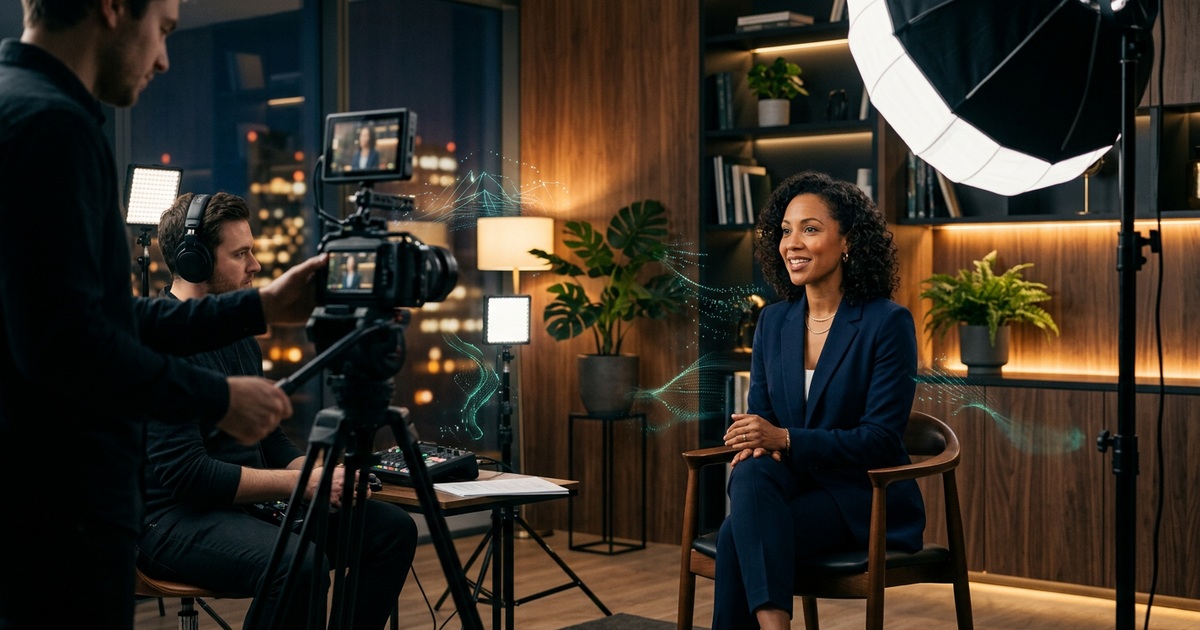
Video Production Trends Small Businesses Should Watch in 2026
Short-form video, AI-assisted editing, UGC-style creative, and always-on production are changing how small businesses build trust.
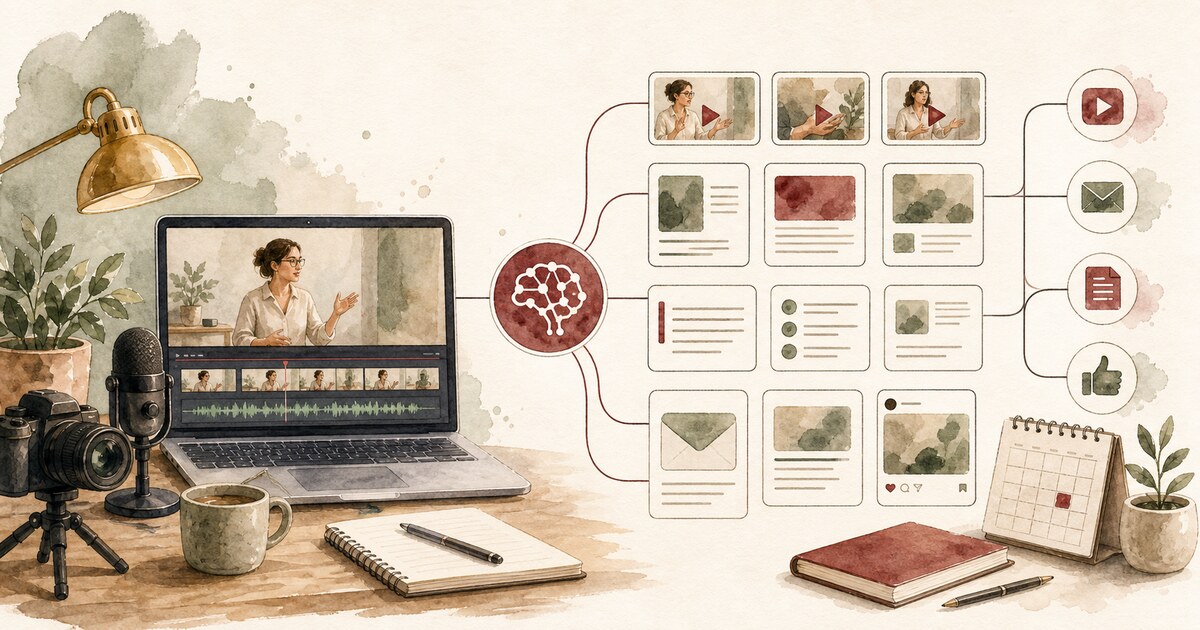
Content Repurposing Automation: Turn One Video Into a Month of Assets
Turn one useful recording into shorts, emails, blog notes, landing-page proof, and sales follow-up content.
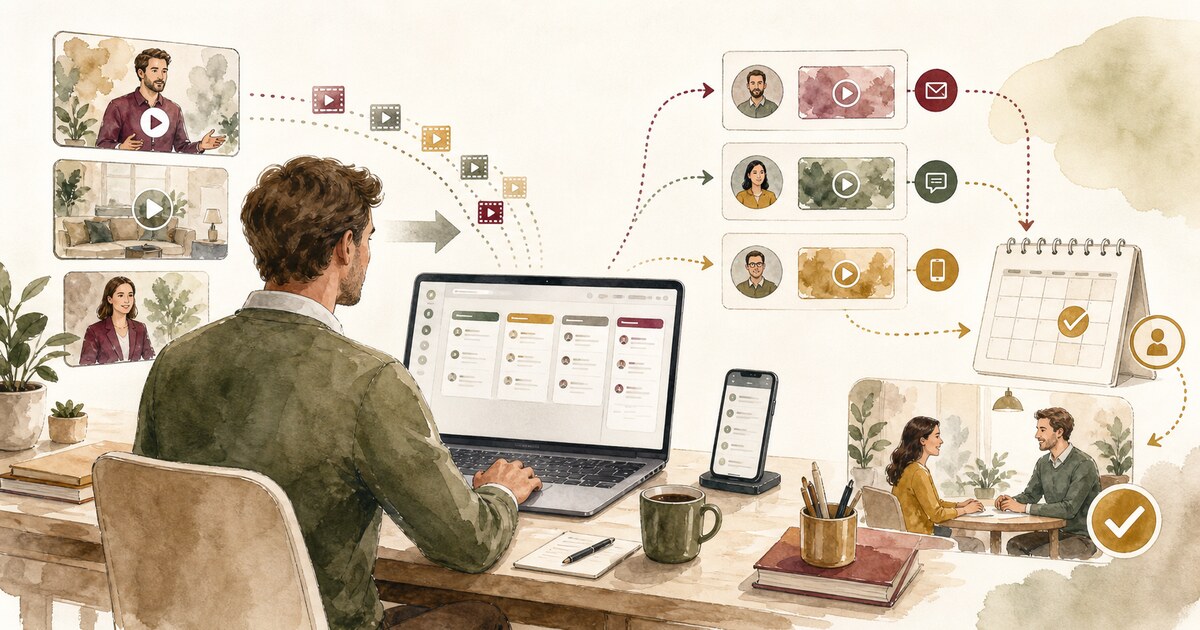
Video Sales Follow-Up Automation for Small Business
Use short Vidvibe-style videos inside lead follow-up so prospects get useful proof at the right moment.