Tools Are Not Workflows: Why AI Automation Still Breaks

Giving an AI agent access to tools does not mean the business has automation.
An agent might be able to send email, update a CRM, run a browser, read a spreadsheet, or create a video. But if nobody defines the workflow, the agent still has to guess what should happen next.
That is where many AI automation projects break. They add capabilities before they design the process.
Capability is not the same as a workflow
A tool is a capability. A workflow is the business logic around that capability.
For example, “the agent can use email” is not a customer follow-up system. A real follow-up workflow defines when to respond, what tone to use, what questions to ask, when to send a booking link, when to escalate, and how to log the conversation.
The same is true for video, reporting, SEO, invoicing, customer support, and sales operations. Tool access helps the agent act. Workflow design helps the agent act correctly.
Why AI agents drift without workflow rules
Without written workflow rules, agents improvise. Sometimes the result is useful. Sometimes a key step disappears.
- A lead is contacted but not logged in the CRM
- An article is published but the sitemap is not updated
- A report is generated but the numbers are not verified
- A video is created but the format does not match the channel
- A customer issue is answered when it should have been escalated
These are not intelligence failures. They are process failures.
The missing layer is the skill
A skill tells the agent how a specific workflow should run. It connects tools, steps, business rules, and checks.
For example, a video production workflow might include topic research, script writing, narration, footage selection, subtitles, export settings, publishing, and analytics. The individual tools matter, but the sequence matters more.
Terminal Skills has a strong example in its AI short video generator use case, where multiple tools become useful only because they are assembled into a complete production workflow.
Small businesses should map workflows before buying tools
Before adding another AI tool, write the workflow in plain English.
- What starts the workflow?
- What information does the AI need?
- Which systems must be updated?
- What should happen automatically?
- What still needs human approval?
- How do we know the outcome is correct?
This exercise often reveals that the business does not need more software. It needs a cleaner operating process around the tools it already has.
How AI Employees approaches workflow automation
AI Employees is built around practical workflows: missed-call recovery, appointment scheduling, lead follow-up, customer intake, email and SMS communication, and operational reminders.
The goal is not to throw a generic chatbot at the business. The goal is to design the workflow so the AI knows when to act, when to ask, and when to hand off.
FAQ
What is an AI workflow?
An AI workflow is a repeatable process that tells an AI system what triggers the task, what steps to follow, what tools to use, and how to verify the result.
Why is tool access not enough?
Tool access lets an agent act, but it does not define the business rules, sequence, safety boundaries, or completion checks needed for reliable automation.
What is the difference between a tool and a skill?
A tool is a capability such as email, browser, CRM, or video editing. A skill is the workflow that tells the agent when and how to use those tools.
How should a business start with AI automation?
Start with one high-value workflow, document the steps, define human approval points, then automate the repeatable parts first.
Build AI Around Real Business Workflows
AI Employees helps design and run automation around the way your business actually handles leads, appointments, and customer communication.
Fill Out the Form →Related notes.

AI Agent Skills: The Missing Layer in Small Business Automation
Why repeated AI prompts should become reusable agent skills, and how workflow libraries make automation more reliable.

Open Source AI Agent Skills: A Smarter Way to Build Automation
Open, reusable skills let teams share safer agent workflows instead of rebuilding the same prompts privately.
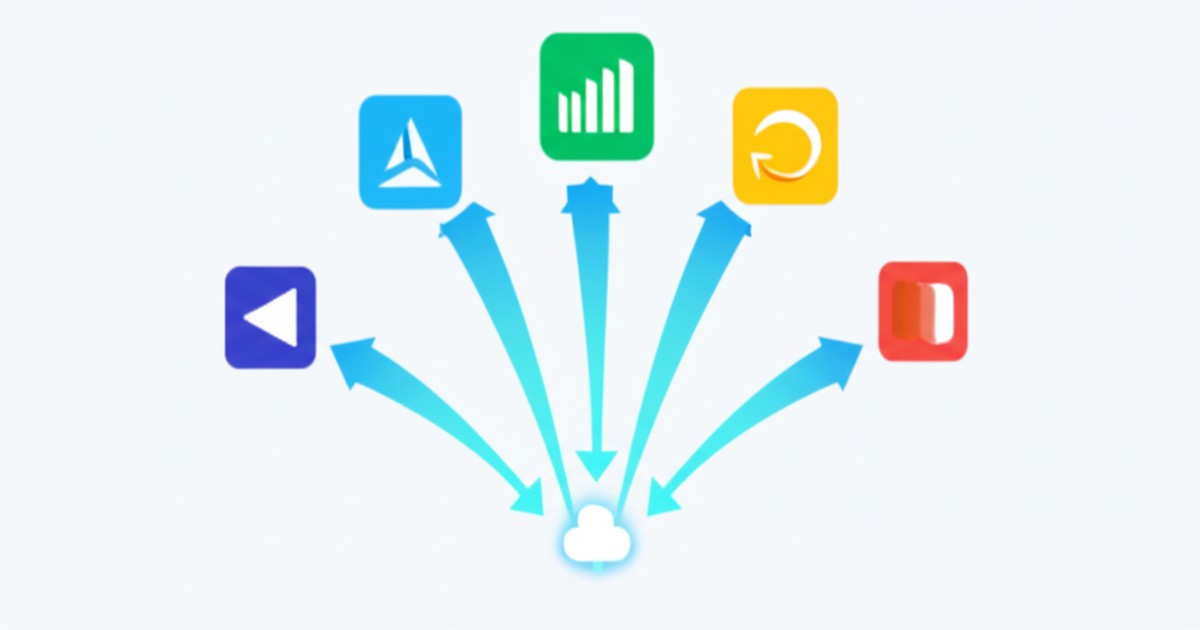
How to Replace 5 SaaS Tools with One AI Employee
The average small business pays $1,200/month in SaaS. One AI employee replaces 5 of those tools.