How to Replace 5 SaaS Tools with One AI Employee
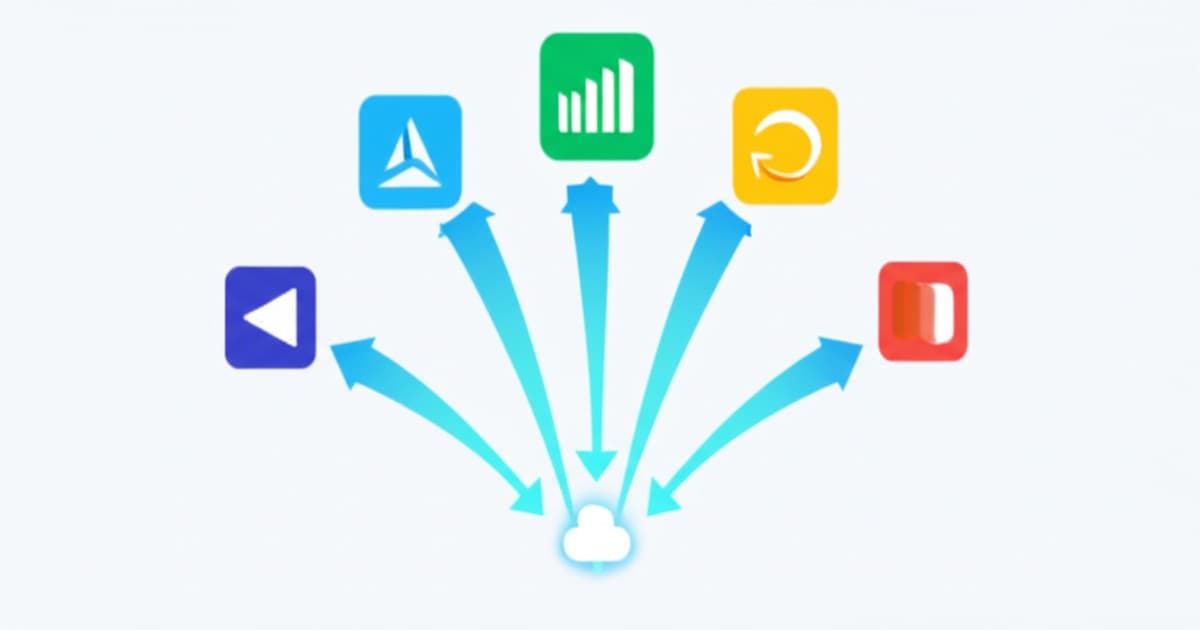
Open your bank statement and add up every SaaS subscription: your CRM, your scheduling tool, your email marketing platform, your answering service, your help desk. For most small businesses, it's $500-2,000/month — and half of those tools don't even talk to each other.
What if one AI employee could replace five of them?
This isn't about some magical all-in-one tool. It's about understanding that AI employees are fundamentally different from traditional SaaS — they don't just store data or automate one narrow task. They think, act, and connect everything together.
The SaaS Stack Problem
The average small business uses 15-25 different software tools. Here's what a typical stack looks like:
- Phone system + answering service: $200-500/month
- CRM (HubSpot, Salesforce, Zoho): $50-300/month
- Scheduling tool (Calendly, Acuity): $15-50/month
- Email marketing (Mailchimp, Constant Contact): $50-200/month
- Help desk / live chat (Zendesk, Intercom): $100-400/month
- Form builder / survey tool: $25-100/month
- SMS platform (Twilio, TextMagic): $50-200/month
- Total: $490-1,750/month
But the real cost isn't the subscriptions. It's the integration tax:
- Time spent switching between tools: 4+ hours/week
- Data that doesn't sync (the lead in your CRM that never got a follow-up email)
- Training staff on 7 different interfaces
- Zapier/Make fees to connect them: $50-200/month more
- The customer experience: disjointed, because your tools don't share context
The 5 Tools One AI Employee Replaces
1. Answering service → AI handles all calls
Traditional answering services take messages. That's it. An AI employee answers calls, understands the caller's intent, accesses your business data, and takes action — booking appointments, answering questions, routing urgent calls. It doesn't just answer the phone; it does the job of a receptionist.
Replaces: Ruby, Smith.ai, AnswerConnect ($200-500/month)
2. Scheduling tool → AI books appointments conversationally
Calendly sends a link. An AI employee has a conversation. “What works for you Tuesday?” “Actually, could we do Wednesday morning?” “Done — you're booked for Wednesday at 10. I'll send a reminder.” It's scheduling without the friction.
Replaces: Calendly, Acuity, Square Appointments ($15-50/month)
3. Email marketing tool → AI sends personalized campaigns
Mailchimp requires you to build campaigns manually: design templates, write copy, segment audiences, schedule sends. An AI employee does all of this automatically based on customer behavior. A new customer gets a welcome sequence. A customer who hasn't visited in 30 days gets a re-engagement offer. No manual setup required.
Replaces: Mailchimp, Constant Contact, ActiveCampaign ($50-200/month)
4. Help desk / live chat → AI handles support
Most customer support questions are repetitive: hours, pricing, directions, return policy, booking status. AI handles these instantly across chat, email, phone, and text — escalating to a human only for genuinely complex issues.
Replaces: Zendesk, Intercom, Freshdesk ($100-400/month)
5. Lead qualification tool → AI scores and follows up
Lead scoring in a CRM requires manual setup, constant tweaking, and someone to actually act on the scores. An AI employee qualifies leads through conversation, scores them based on real interactions (not just data points), and follows up automatically.
Replaces: HubSpot lead scoring, Drift, LeadIQ ($100-400/month)
The Math
- 5 separate tools: $465-1,550/month
- Integration costs (Zapier, custom work): $50-200/month
- Staff time managing tools: 4+ hours/week (~$400/month)
- Total real cost: $915-2,150/month
- One AI employee: $1,500-2,500/month
- Integration costs: $0 (it's one system)
- Staff time managing: 30 minutes/week
- Total real cost: $1,500-2,500/month
At the low end, you break even. At the high end, you save $650/month. But the real win isn't cost — it's the fact that everything works together. The AI that answers your phone call knows the customer's email history, their last appointment, and their outstanding invoice. No tool-switching. No data gaps.
The biggest hidden cost of a multi-tool stack isn't the subscriptions — it's the customer experiences that fall through the cracks between them.
What You Keep
AI doesn't replace everything. You'll still need:
- Accounting software (QuickBooks, Xero) — AI can feed data in, but your accountant needs their tools
- Project management (Asana, Trello) — internal team workflows need dedicated tools
- Industry-specific software (ServiceTitan for HVAC, Jane for clinics) — keep your vertical tools
- Your website and hosting — AI enhances your site, doesn't replace it
The goal isn't to use one tool for everything. It's to eliminate the fragmented, overlapping tools that handle customer-facing communication and replace them with one intelligent system.
How to Make the Switch
Step 1: Audit your current tools
List every tool your business uses. For each one, note: monthly cost, what it does, how well it integrates with other tools, and how much time your team spends in it.
Step 2: Identify the overlaps
You'll likely find that 3-5 tools are all doing some version of “communicate with customers and manage their information.” These are your consolidation targets.
Step 3: Migrate in phases
Don't cancel everything on day one. Start with the tool that gives you the most headaches (usually the answering service or scheduling tool). Get AI handling that workflow. Then migrate the next one.
Step 4: Keep your data
Export contacts, email lists, and appointment history before canceling anything. AI platforms import this data so you don't lose customer context.
Want to understand the full picture of what AI can automate? Our complete workflow automation guide covers all six core business workflows.
The Bottom Line
SaaS sprawl is the silent budget killer for small businesses. You signed up for each tool to solve one problem, and now you're paying for a dozen tools that don't work together.
An AI employee isn't just another tool. It's a unified layer that handles customer communication, scheduling, follow-up, marketing, and support — with shared context across every interaction. Fewer tools. Lower costs. Better customer experience.
Simplify Your Tech Stack
Find out which tools AI can replace for your business — get a free stack audit.
Fill Out the Form →Related notes.

AI Workflow Automation for Small Business
A practical guide to automating intake, routing, reminders, reporting, admin work, and handoffs without buying random tools.

AI Lead Follow-Up: Respond Fast & Book More Leads
AI responds in under 60 seconds, qualifies prospects, books meetings, and revives older leads.