Missed Call Text Back Automation: CRM + SMS Workflow

A missed call is not just a phone event. For most local businesses, it is a warm lead that tried to buy at the exact moment your team was unavailable.
The simple version of missed call text back is useful: if a call is missed, send an automatic SMS. But the higher-value workflow goes further. It creates a lead in your CRM, asks the right qualifying question, routes urgent jobs, books appointments, tracks outcomes, and gives your team a clean handoff.
This guide shows the practical CRM + SMS workflow a small business can use to turn missed calls into measurable revenue instead of voicemail.
The core workflow
The workflow should be simple enough to trust and structured enough to measure.
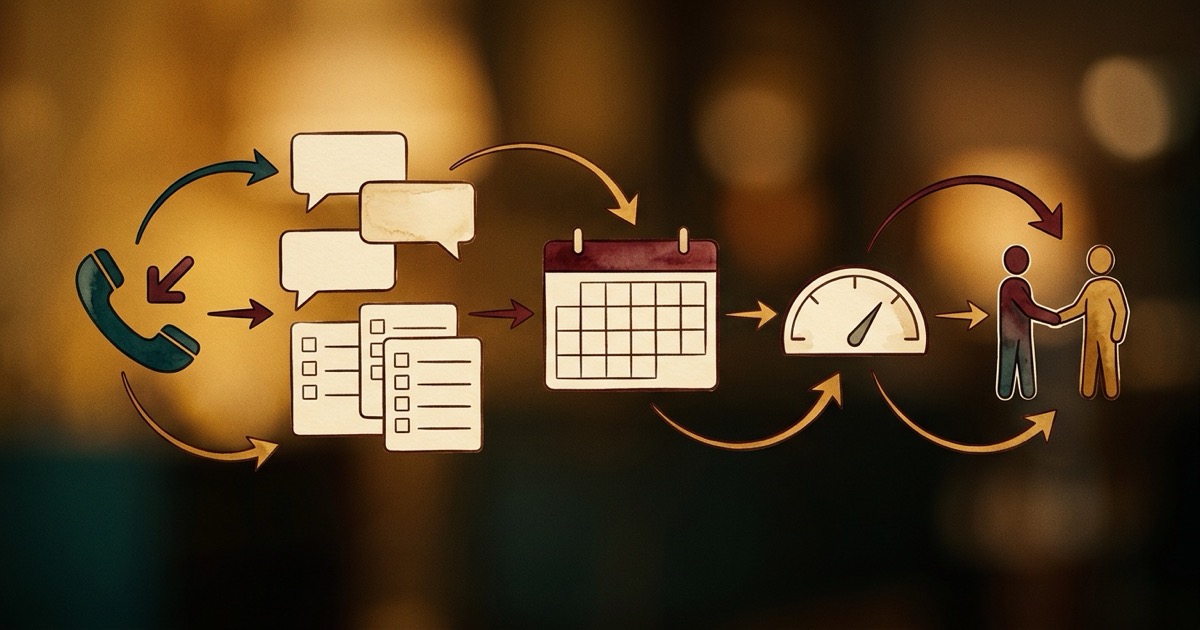
- A customer calls the business phone number
- The call is missed, abandoned, or unanswered after a defined threshold
- The phone system triggers an automation event
- The automation creates or updates a CRM lead
- An SMS reply goes out within 30-60 seconds
- The customer answers a short qualification question or gets a booking link
- Urgent cases route to a human, while routine cases continue through automated follow-up
- The CRM records source, status, conversation, appointment, and outcome
The goal is not to text everyone forever. The goal is to capture intent quickly, qualify the need, and move the right lead to the right next step.
Step 1: define what counts as a missed call
Before connecting tools, decide which phone events should trigger the workflow. A missed call text should not fire randomly or duplicate messages your team already handled.
Common trigger rules include:
- No answer after business-hours ring timeout
- After-hours call not answered by a live person
- Caller abandoned before voicemail or menu completion
- Call went to voicemail but no human called back within a set time
- Repeat caller with no open appointment or ticket
For emergency industries like plumbing, HVAC, towing, or restoration, the trigger rules should also detect urgency and route faster. A burst pipe should not sit in the same queue as a routine estimate request.
Step 2: create the CRM lead automatically
A text message without CRM logging is easy to lose. The lead should be created or updated before the first SMS goes out, so every reply has a place to land.
At minimum, the CRM record should include:
- Caller phone number
- Call timestamp and timezone
- Missed call source or tracking number
- Business location or service line if known
- Initial status such as New missed call lead
- Owner or routing rule
- Conversation history
- Next follow-up time
If the phone number already exists in the CRM, update the existing contact instead of creating duplicates. Duplicate leads make follow-up messy and make reporting unreliable.
Step 3: send the first SMS in plain language
The first message should feel helpful, not robotic. It should acknowledge the missed call, identify the business, and ask for one clear next action.
Examples:
- Sorry we missed your call — this is AI Employees Demo HVAC. What can we help with today?
- Hi, this is the team at your local clinic. We missed your call. Are you trying to book, reschedule, or ask a question?
- Thanks for calling. If this is urgent, reply URGENT. Otherwise, tell us what service you need and we will help schedule you.
Do not overload the first text with links, disclaimers, and long explanations. The job of the first message is to restart the conversation.
Step 4: qualify before booking
Booking every missed caller into the calendar sounds efficient, but it can create bad appointments. A better workflow asks one or two short qualification questions first.
For a service business, that might be:
- What service do you need?
- What city are you in?
- Is this urgent or can it wait for the next available appointment?
- Do you prefer a call back or a booking link?
For salons, clinics, med spas, law firms, and professional services, the qualification questions should match intake requirements, privacy rules, and scheduling constraints.
Step 5: connect scheduling and human handoff
Once the lead is qualified, the workflow can offer the right next step:
- Send a booking link for routine appointments
- Create a callback task for sales or front desk staff
- Route emergency cases to the on-call person
- Send intake questions before a consultation
- Escalate complex or sensitive cases to a human immediately
This is where AI automation becomes more valuable than a basic autoresponder. The system can understand the customer's reply, update the CRM status, and decide whether the next step should be automated or human.
Step 6: measure the revenue path
If missed call automation is working, you should be able to see the business impact in the CRM. Track more than message delivery.
- Missed calls captured
- SMS response rate
- Qualified lead rate
- Appointments booked
- Human callbacks completed
- Jobs sold or consultations completed
- Average time from missed call to first response
- Revenue recovered from missed-call leads
These metrics help decide whether the workflow needs better scripts, faster routing, stronger offers, or better follow-up content.
Where video follow-up fits
Some leads need more than a text. After the first reply, a short video can build trust faster than another paragraph.
For example, a roofing company can send a 30-second inspection explainer. A med spa can send a treatment overview. A home service company can send a quick “what happens next” video before the appointment.
This is where a Vidvibe-style production workflow can support the automation: create simple FAQ videos, testimonial clips, and service explainers that the SMS workflow can send at the right moment.
For the internal product page behind those FAQ, testimonial, and explainer clips, visit the VidVibe product page.
Common mistakes to avoid
- Sending the same generic text to every caller
- Failing to create or update the CRM record
- Not checking for duplicate contacts
- Sending booking links before understanding the customer need
- Ignoring after-hours and emergency routing rules
- Continuing automated follow-up after a human already handled the lead
- Measuring message sent instead of appointments and revenue recovered
The automation should make the business feel more responsive, not less personal.
Simple implementation checklist
- Choose the phone events that trigger missed-call automation
- Map phone numbers and tracking numbers to CRM sources
- Create lead fields for status, urgency, service type, owner, and next step
- Write first-reply SMS templates by service type
- Define human escalation rules
- Connect calendar booking only after basic qualification
- Add reporting for captured leads, booked appointments, and closed revenue
- Review transcripts weekly and improve scripts based on real conversations
You can start simple. The important part is that every missed call becomes a trackable lead with a clear next action.
FAQ
Can a business phone system automatically create CRM leads from missed calls?
Yes. With the right phone system, webhook, CRM integration, or AI automation layer, a missed call can automatically create or update a CRM contact and start an SMS follow-up workflow.
How fast should the missed call text go out?
Ideally within 30-60 seconds. The customer still remembers why they called, and the business has the best chance of recovering the lead before a competitor answers.
Should every missed caller get a booking link?
Not always. Many businesses should qualify the lead first, especially if urgency, location, service type, insurance, or appointment length matters.
How does AI Employees help with this workflow?
AI Employees can connect missed-call detection, SMS replies, qualification, CRM logging, appointment scheduling, analytics, and human handoff into one practical lead recovery workflow.
Recover Missed Calls Before They Go Cold
AI Employees helps small businesses turn missed calls into CRM leads, SMS conversations, booked appointments, and clean human handoffs.
Fill Out the Form →Related notes.
Auto Missed Call Text Back Software
Compare missed-call text-back software by speed, AI qualification, CRM integration, booking, reporting, and human takeover.
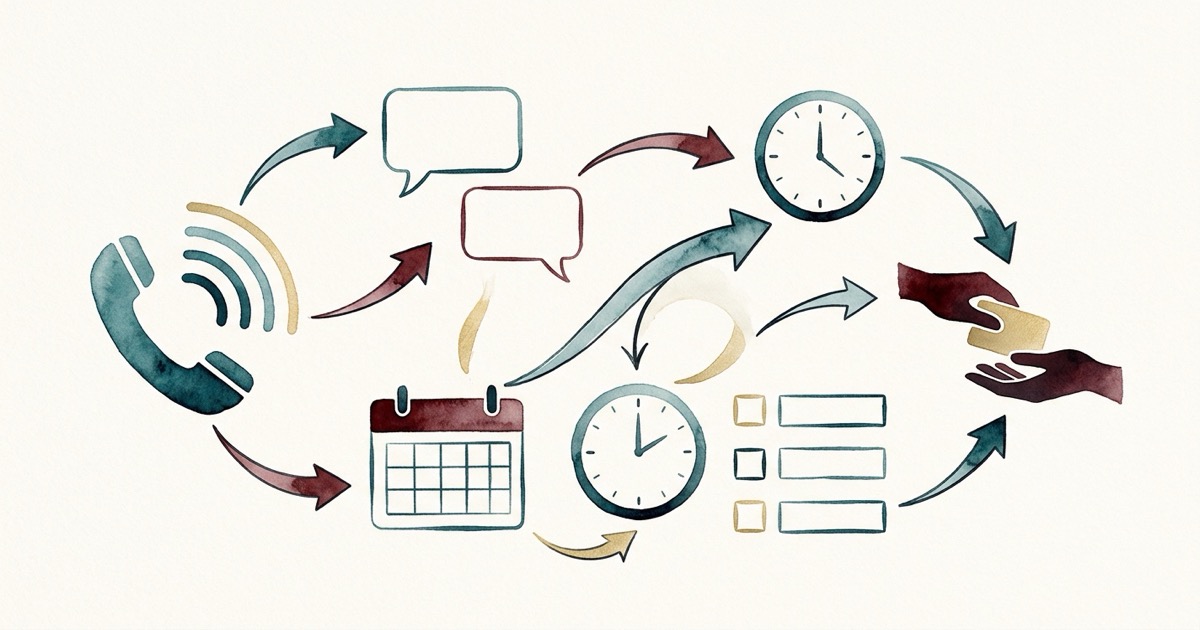
How to Automate Follow-Up After Missed Calls
Build a missed-call follow-up workflow with instant SMS, qualification, booking, CRM logging, and human handoff.

Missed Call Text Back Service: Reply in 60 Seconds
See how AI missed-call text back replies instantly, qualifies callers, books appointments, and logs every lead before they call a competitor.