Best AI for After-Hours Calls
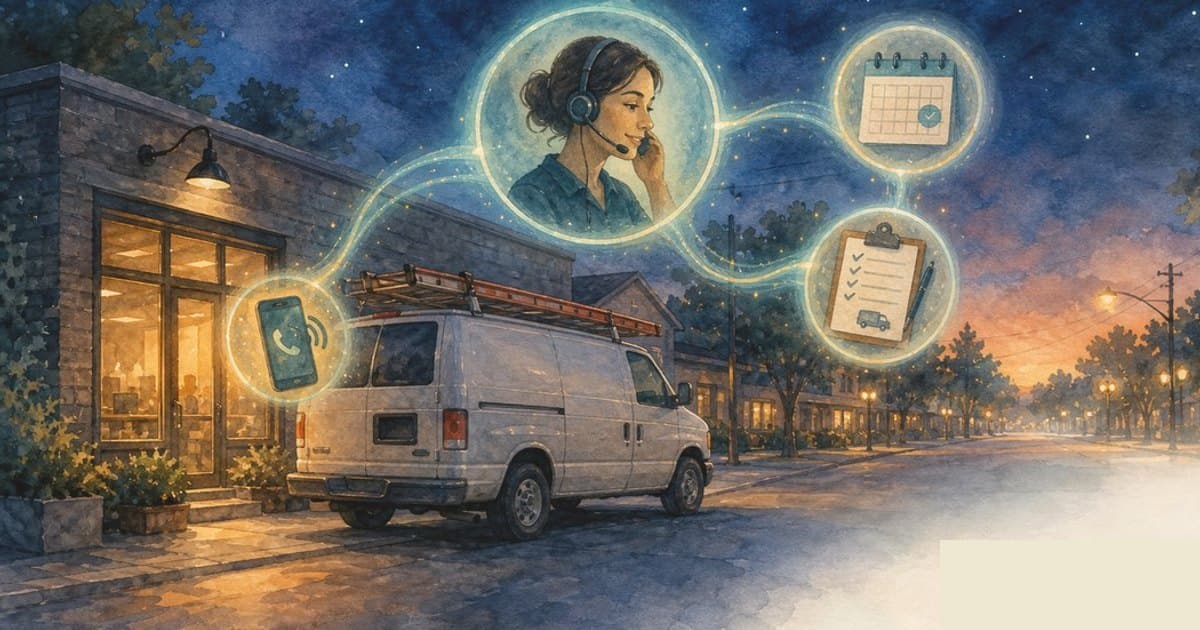
The best AI for after-hours calls should answer when staff are unavailable, collect the right details, identify urgency, text missed callers, create a summary, and route the next step. It should not act like a generic voicemail replacement. It should be an after-hours operating workflow.
After-hours coverage is valuable only if the morning handoff is clean and urgent calls do not wait until morning.
Start with after-hours call types
A business may receive new leads, current customer questions, emergencies, appointment requests, cancellations, complaints, spam, and vendor calls after hours. Each path needs different handling.
The AI should know which calls can wait, which can become a callback task, which can book, and which should wake or alert a human.
Voice quality is not enough
Many AI receptionist demos focus on how natural the voice sounds. That matters, but it is not the buying decision.
The better question is what happens after the caller explains the problem. Does the AI collect useful details, follow your rules, summarize accurately, and route the next step? That is why this page should be read with the best AI answering service guide, not just a voice demo.
Missed-call recovery still matters
Even after hours, calls can still be missed because of routing limits, phone system issues, caller hangups, or overflow. A strong workflow sends an instant text-back when appropriate.
That text can ask what the caller needs, confirm urgency, and keep the lead engaged without pretending a human is awake if the business has not promised that. For the recovery side, compare the missed-call recovery software workflow.
Escalation rules make or break the system
Contractors may need emergency routing. Clinics may need careful patient-message boundaries. Law firms may need no-legal-advice language. Restaurants may need private-event and complaint routing.
The best AI for after-hours calls is configured around the business, not just plugged into a phone number.
Where AIEmployees fits
AIEmployees builds after-hours call workflows around approved scripts, SMS follow-up, booking rules, CRM notes, staff alerts, and human handoff.
The aim is calmer mornings, fewer lost leads, and less pressure to hire another person just to watch the phone after closing.
Implementation checklist
- List after-hours call types and which ones can wait.
- Define urgent escalation rules and who receives alerts.
- Approve what AI may say, ask, book, and summarize.
- Add missed-call text-back for hangups or unanswered calls.
- Connect summaries to CRM, inbox, calendar, or callback queue.
- Review transcripts and tune edge cases after launch.
FAQ
What is the best AI for after-hours calls?
Choose the AI workflow that answers reliably, follows your escalation rules, texts missed callers, captures details, updates your systems, and hands urgent or sensitive calls to humans.
Can AI answer calls 24/7?
Yes. AI can answer calls after hours, but the business still needs approved rules for emergencies, sensitive issues, booking, and human handoff.
Is after-hours AI better than voicemail?
Usually, yes. Voicemail waits for staff. AI can collect details, send summaries, text missed callers, and route urgent requests immediately.
Want this workflow built for your business?
AIEmployees can map the calls, intake, routing, follow-up, and reporting around your real tools and team.
Fill Out the Form →Related notes.
After-Hours Bilingual Answering Service
Protect after-hours English and Spanish callers with AI answering, urgency routing, missed-call recovery, booking, and staff handoff.
After-Hours AI Answering Service for Contractors
Capture urgent calls after 6pm, qualify intent, book routine work, and route true emergencies without adding another night shift.
Best AI Answering Service for Small Business
A buyer guide for comparing AI answering services by call handling, missed-call recovery, booking, integrations, and setup.