AI Call Center Software for Small Business
A small business usually needs AI call center software that answers calls, captures intent, logs customer context, routes urgent issues, and connects to booking or CRM workflows. This guide explains when the workflow is worth building, what it should collect, and how AIEmployees would implement it without turning the article into a generic software list.
AI Call Center Software for Small Business is strongest when it becomes a real operating workflow: fast response, useful intake, clean routing, and measurable follow-up.
Why small businesses compare call center tools
A growing small business eventually hits the same problem: calls, texts, support questions, appointment requests, and missed leads spread across too many places. The owner starts searching for call center software because the current process feels messy.
But enterprise call center software is often more than a small team needs. It can add dashboards, queues, and configuration work before the business has a clean intake workflow.
What should small businesses buy first?
The first layer should be operational coverage: answer calls, capture missed calls, collect customer context, summarize the conversation, route urgent issues, and create the next task. That matters more than a large feature list.
If the business handles appointments, the workflow should connect to booking rules. If it handles support, it should classify the issue and escalate sensitive cases. If it runs ads, it should log source and outcome.
AI call center software vs AI receptionist
An AI receptionist focuses on front-desk coverage: calls, intake, booking, missed-call recovery, and handoff. AI call center software can cover broader support, customer service, routing, and reporting.
Many small businesses should start with receptionist and support workflows before adopting a full contact-center platform. The workflow can expand once the basic response system works.
What features matter?
Look for reliable phone answering, missed-call text-back, call summaries, CRM logging, calendar rules, escalation paths, after-hours routing, reporting, and human review. Avoid buying complexity for features the team will not use.
The best system should reduce work for staff, not create another admin console that nobody maintains.
How AIEmployees approaches this
AIEmployees treats call coverage as a managed workflow. Instead of handing a small business a blank software platform, it defines the call types, scripts, routing rules, integrations, and reporting that fit the business.
That makes it a better fit for owners who want calls handled and leads captured, not a long implementation project.
Recommended implementation checklist
- Define the calls or leads the AI should handle first
- Write approved intake questions and escalation rules
- Connect phone, SMS, calendar, CRM, or lead sheet where needed
- Add a human handoff path for sensitive, urgent, or high-value cases
- Review call summaries weekly and improve the workflow from real conversations
Want this workflow built for your business?
AIEmployees can map the intake, answering, routing, and follow-up workflow around your real calls and tools.
Fill Out the Form →Related notes.

Multilingual Customer Calls for Small Business
Handle multilingual calls with language-aware intake, translated summaries, routing, CRM notes, and human escalation.
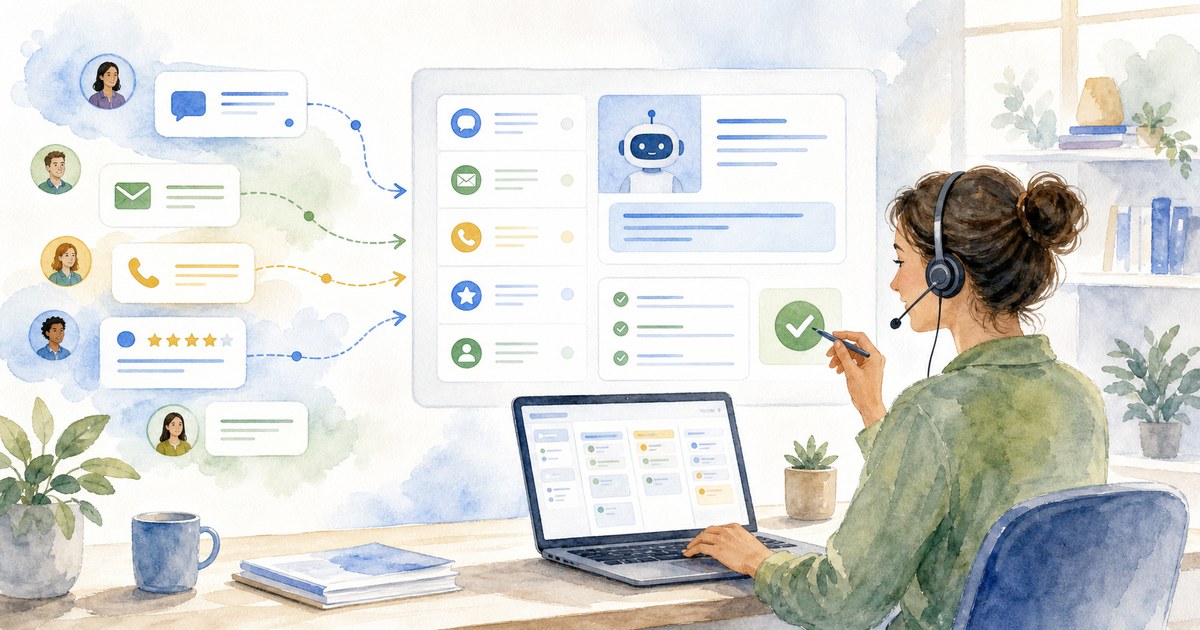
AI Customer Service Automation for Small Business
Automate repeat support questions, updates, review routing, and escalation without losing human control.

AI Answering Service Pricing: What Small Businesses Pay in 2026
Compare AI answering service, live answering, virtual receptionist, and full-time receptionist costs before choosing coverage.